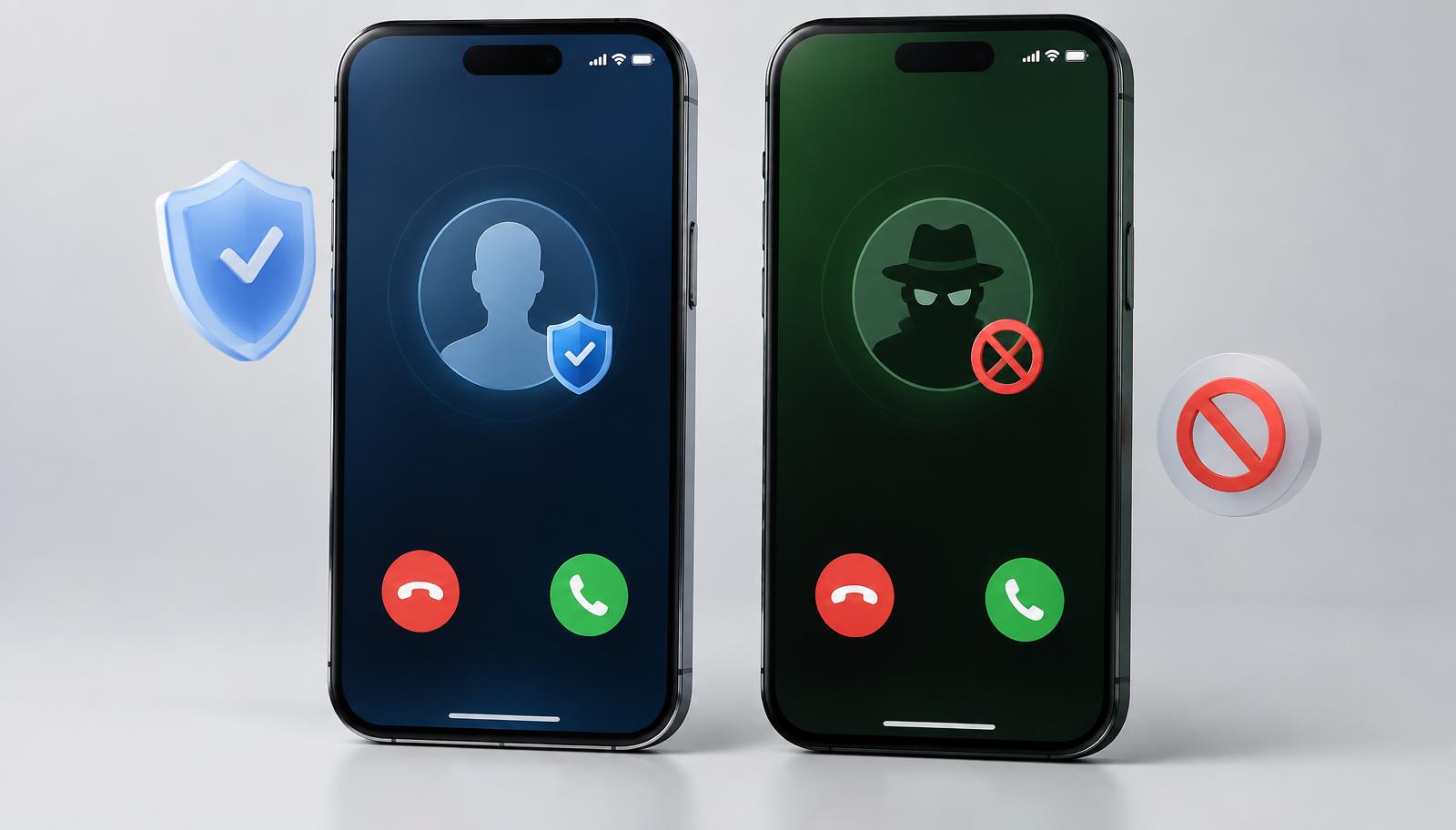
Unknown numbers, spam calls, and robocalls have made caller identification apps a normal part of most people's phones. Two names come up again and again in this space: CallApp and Truecaller. Both promise the same basic thing, telling you who is calling before you pick up, but the way they do it, the data they collect, and the problems users report about each one are quite different.
Table of contents
- CallApp vs Truecaller at a Glance
- Full Feature Comparison
- How Does CallApp Actually Work?
- Why Does CallApp Keep Installing Itself?
- Did CallApp Use Aggressive Tactics?
- Random Birthday Notification
- Is Truecaller Safe for Passive Use?
- Which One Respects Your Privacy More?
- Which App Has Better Spam Call Accuracy?
- Pricing: Which Premium Plan Is Worth It?
- Which Should You Actually Install?
- Best Alternatives in 2026
- Frequently Asked Questions
- Final Verdict
CallApp vs Truecaller at a Glance
Neither app is perfect. Each one asks for a similar level of access to your contacts and call activity, which is worth keeping in mind no matter which one you choose.
CallApp vs Truecaller: Full Feature Comparison
Caller ID Accuracy
Both apps identify unknown numbers by matching them against a shared database built from user contact lists and public business listings. CallApp markets itself around a layered identification system that also checks numbers against social media profiles and community confirmed reports. Truecaller relies on a very large global database, since it has been collecting numbers since 2009 and now covers hundreds of millions of users. In everyday use, both apps tend to correctly identify well known spam numbers and popular businesses. The difference shows up with smaller or newer numbers, where results can vary by country and how active local users are on each platform.
Spam and Scam Call Blocking
Both apps automatically flag numbers reported as spam by other users and let you block them in one tap. Truecaller has invested heavily in automatic blocking features that filter out flagged numbers before your phone even rings, based on reports from its very large user base. CallApp offers similar automatic filtering along with manual blacklisting. For most people, the practical difference in spam blocking comes down to how many users in your country or region are active on each app, since the database is only as good as the reports feeding into it.
Call Recording
This is one area where CallApp has traditionally been more consistent, offering an automatic call recording feature on Android for many users. Truecaller also supports call recording on Android, though access has changed over the years due to restrictions Google placed on apps using certain accessibility permissions. On iPhone, neither app can record calls the way they do on Android, since Apple does not allow third party apps that level of access to the phone system.
Availability on Android and iOS
Both apps work on Android and iOS, but Android users generally get the fuller experience with both. iOS versions of CallApp and Truecaller depend on Apple's Call Directory extension, which limits real time call blocking and requires the spam list to update periodically rather than instantly.
Ads and Free Version Limits
Free versions of both apps show ads and place some restrictions on daily searches or advanced features. Removing ads and unlocking extra tools on either app requires a paid subscription.
How Does CallApp Actually Work?
A common question on Quora asks how CallApp identifies callers in the first place, since the mechanism is not always obvious to new users. Understanding this also helps explain a lot of the CallApp vs Truecaller privacy discussion later in this guide, since both apps rely on the same basic idea.
How It Builds Its Caller Database
When you install CallApp and give it permission, it uploads your contact list to its servers so it can match incoming numbers against a shared pool of data from all its users. This is the same basic approach Truecaller uses. If someone else has your number saved with your name, CallApp can potentially show your name to other users even if you never signed up yourself.
Community Reported Spam Numbers
Beyond the contact database, CallApp lets users manually report and confirm spam numbers, which adds a crowdsourced layer to its detection. Truecaller works the same way, relying on millions of user reports to keep its spam list current.
Why Does CallApp Keep Installing Itself Without Permission?
Several Motorola users on Reddit have reported CallApp appearing on their phones without ever downloading it themselves, sometimes labeled as a suggested app they cannot easily remove.
Why It Shows Up on Android Phones as a Suggestion
This usually happens because of pre installed app partnerships between phone manufacturers and app developers. CallApp is one of several apps that some Android device makers bundle as a suggestion or lightweight preview, which can appear in the app drawer or as a notification even if the user never tapped install.
How to Remove or Disable It for Good
If CallApp appears this way, it is often just a shortcut or placeholder rather than the fully installed app. Go to your phone's app settings, find the CallApp listing, and either disable it or uninstall it depending on what options your device shows. If it keeps reappearing, checking your manufacturer's app suggestion or recommendation settings usually stops it from coming back.
Did CallApp Really Use Aggressive Tactics to Get Downloads?
An older but still frequently referenced Reddit thread accused CallApp of sending SMS messages from a user's phone without clear consent, as a way to prompt contacts to also install the app.
What Users Reported
The complaints described the app sending invite style messages to a user's contact list automatically after installation, which many people found intrusive and did not remember agreeing to. This kind of behavior, sometimes called viral growth hacking, was a known tactic among several apps years ago, not just CallApp.
Has This Changed in Recent Versions
App store policies from Google and Apple have tightened significantly since those reports, and both platforms now require explicit permission prompts before any app can send messages on a user's behalf. Current versions of CallApp go through standard Play Store and App Store review, which limits this kind of behavior compared to older releases. Even so, it is worth reviewing app permissions carefully during setup rather than tapping through them quickly.
Why Is CallApp Showing a Random Birthday Notification?
A Reddit thread in r/AndroidQuestions describes an unexpected calendar event and notification showing "CallApp's Birthday" appearing on multiple family members' phones at once.
What's Actually Causing It
This is generally linked to a placeholder or default contact entry created during the app's calendar sync feature, which can occasionally generate a birthday reminder tied to the app's own developer profile rather than an actual contact. It appears to affect a batch of users at the same time, suggesting a syncing bug rather than anything intentional.
How to Turn It Off
Go into your phone's calendar app, find the event, and delete it directly, or check CallApp's settings for a calendar or birthday reminder toggle and turn it off. Clearing the app's cache can also resolve it if the notification keeps returning.
Is Truecaller Safe If You Only Use It to Check Callers Before Picking Up?
This is one of the most asked questions about Truecaller on Quora, since many users try to use the app passively without engaging much beyond checking who is calling.
What Data Truecaller Collects Either Way
Whether you actively use every feature or just glance at the caller ID screen, Truecaller still runs in the background, matches calls against its database, and may still upload your contact list depending on the permissions you granted during setup. Simply using the app less does not change what data it has already collected.
Does Passive Use Reduce the Risk
It reduces exposure somewhat, since you are not actively searching numbers or building a visible profile that others can see. But the core privacy tradeoff, meaning your contacts being shared with Truecaller's database, happens at installation and permission grant, not based on how often you open the app afterward. If you want a detailed guide on TrueCaller Premium vs Gold then you can visit this website.
CallApp vs Truecaller: Which One Respects Your Privacy More?
What Each App Does With Your Contacts
Both apps ask for contact list access to function, and both upload that data to build their shared caller ID databases. Neither app is meaningfully more private than the other in this core respect, since the entire business model of a caller ID app depends on this kind of data sharing. This is a point that often gets lost in CallApp vs Truecaller reviews that only compare surface level features like themes or call recording, without addressing what happens to your contact list once you tap allow.
Which App Asks for More Permissions
Truecaller has faced more public scrutiny over the years, including reports and investigative articles questioning how much data it collects beyond just contacts, such as call logs and device information in some regions. CallApp asks for a similar set of permissions but has drawn comparatively less attention in privacy focused reporting, likely due to its smaller global footprint rather than a fundamentally different approach to data handling.
Which App Has Better Spam Call Accuracy: CallApp or Truecaller?
Accuracy is usually the deciding factor once people move past pricing and permissions in the CallApp vs Truecaller decision, since a caller ID app is only as useful as the information it shows you.
How Each App's Detection Actually Differs
Truecaller's advantage comes from sheer scale. With one of the largest user bases among caller ID apps worldwide, its spam list updates constantly and covers more regions in depth, particularly in South Asia where it has a very strong user presence. CallApp's detection leans more on its layered verification system, cross referencing numbers against several sources at once, which some users find catches spoofed or newly registered spam numbers a bit faster.
Real User Experiences from Reddit and Quora
Opinions online are mixed and often depend on the user's country. Some Quora answers favor CallApp for its call recording and interface, while others point to Truecaller's larger number of contributors as the reason it catches more spam overall. Neither app receives universal praise, and several threads recommend testing both directly to see which one performs better with your specific network and region.
CallApp vs Truecaller Pricing: Which Premium Plan Is Worth It?
Cost is often where the CallApp vs Truecaller choice gets settled for budget conscious users, so here is how the two premium tiers stack up against each other.
| Plan | CallApp Free | CallApp Premium | Truecaller Free | Truecaller Premium |
|---|---|---|---|---|
| Ads | Yes | No | Yes | No |
| Call recording | Limited | Full access | No | Yes on Android |
| Search limits | Daily cap | Unlimited | Daily cap | Unlimited |
| Caller ID themes | No | Yes | No | Limited |
| Priority support | No | Yes | No | Yes |
CallApp Premium Features and Cost
CallApp's paid tier removes ads, unlocks full call recording, and lifts daily search limits. Pricing is generally offered as a monthly or yearly subscription, with the yearly option working out cheaper per month, similar to most subscription apps in this category.
Truecaller Premium Features and Cost
Truecaller premium apk for android 5.1 removes ads, adds advanced spam blocking, and shows who has viewed your profile. Historically, monthly Truecaller Premium plans have started at a few dollars per month depending on the country, with yearly billing offering better overall value.
Which Free Version Is More Usable Long Term
Both free versions are genuinely usable day to day, though both come with the same trade off of ads and capped daily searches. If call recording matters most to you, CallApp's free tier tends to offer a bit more before asking you to pay. If broad spam coverage matters more, Truecaller's free version already benefits from its very large reporting network.
CallApp vs Truecaller: Which Should You Actually Install?
Choose CallApp If
- You want built in call recording as a core feature rather than an afterthought
- You like a more visual, customizable caller ID screen
- You are less concerned about which app has the largest global user base
Choose Truecaller If
- You want the broadest possible spam number database, especially outside the United States
- You travel or receive calls from many different countries
- You are fine with a more mainstream, widely reviewed app
Choose Neither If You Want Maximum Privacy
If contact data sharing itself is your main concern, both CallApp and Truecaller work the same way at a fundamental level. Paying for premium on either app does not change this, since the underlying data collection model stays the same whether you are on the free tier or a paid subscription. In that case, a built in operating system tool or a privacy focused alternative, covered next, may suit you better than either app.
Best Alternatives to CallApp and Truecaller in 2026
If neither side of the CallApp vs Truecaller comparison feels right for you, a few other options are worth a look before you settle on a caller ID app.
For Basic Caller ID Only
Simple reverse lookup tools that only check a number when you manually search it, rather than running continuously in the background, tend to request fewer permissions overall.
For Privacy Focused Users
Some newer caller ID services are built specifically around not uploading full contact lists, instead relying only on manually reported numbers or public directories. These are worth looking into if data sharing is your biggest worry with apps like CallApp and Truecaller.
Built In Phone App Options
Both Android and iOS now include native call screening tools. Google's Phone app includes built in spam detection and call screening on many Android devices without needing a third party app at all. On iPhone, Apple's own call screening feature can silently ask unknown callers to state their name before the call rings through, covering a lot of the same ground as third party caller ID apps for casual users.
CallApp vs Truecaller: Frequently Asked Questions
Is CallApp safe to use on Android?
Yes, current versions go through standard app store review, though it does request contact and call log access to work, similar to Truecaller.
Does CallApp drain battery like Truecaller?
Both apps run background processes to detect incoming calls in real time, which can use a noticeable amount of battery on some devices. Disabling unused features can help reduce this.
Can I use CallApp and Truecaller at the same time?
Technically yes, though only one app can act as your default caller ID and spam blocking app at a time on most Android devices, so running both together may cause conflicts or duplicate notifications.
Which app has a bigger caller ID database?
Truecaller generally has a larger global database due to its much bigger user base, though CallApp's layered verification approach can still perform well for many numbers.
Is there a free alternative that does not require contact access?
Some manual lookup tools and built in phone app features avoid this requirement, though they typically offer less automatic spam detection than CallApp or Truecaller.
Final Verdict: CallApp or Truecaller?
There is no single winner in the CallApp vs Truecaller comparison, since both apps solve the same problem in a very similar way and both come with the same basic privacy trade off. If call recording and a customizable interface matter most to you, CallApp is a solid pick. If you want the widest possible spam number coverage backed by a massive global user base, Truecaller is the safer bet. And if the idea of any app uploading your contacts bothers you, it is worth trying the built in call screening tools on your phone before installing either one.